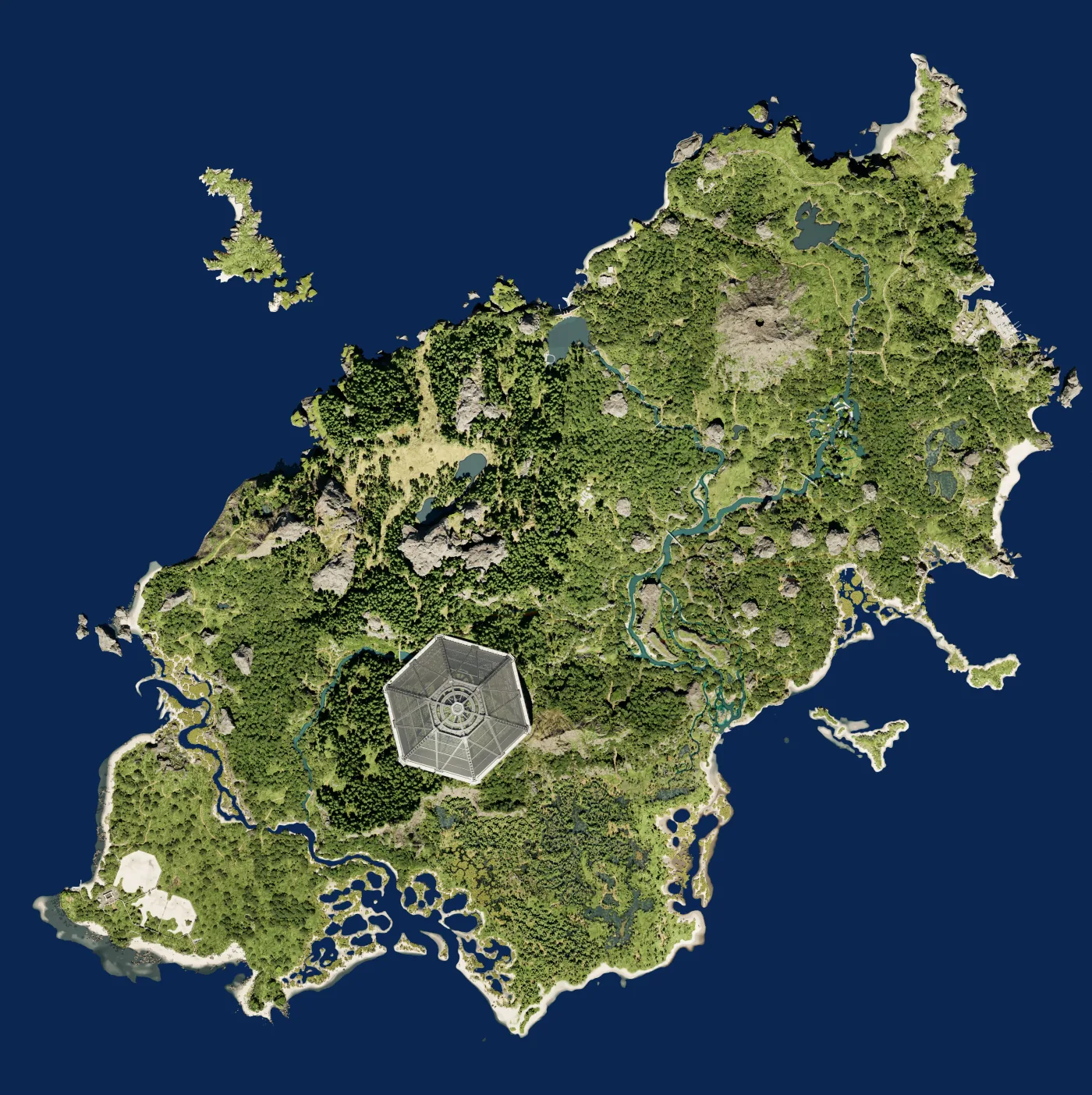
The Isle Gateway map: automatic position, coordinates, and POIs
Gateway is Evrima's central map for navigating food zones, water sources, migration routes, and meeting points. Automatic position detection makes it easier to follow your movement and compare your location with nearby POIs.
Your position automatically detected on Gateway
Follow your position without repeatedly copying coordinates. The marker moves with you to help you reach a landmark, regroup with other players, or choose your next route. Manual coordinate entry remains available at any time.
Built for official servers
Map landmarks become more useful when they are connected to official servers, active players, and sessions bringing players together on the same server.
Find players like you
Join a session from the map panel or start your own. Same server, same dinosaur: share your position and meet your team.